IPTV devices: what works and what struggles
Nordkanal runs on most screens in a Nordic home. The question is not whether but how well, and that depends on the device more than on the service.
An Android TV or Google TV device, or a Fire TV Stick 4K, is the safe choice. Samsung and LG Smart TVs work through apps from their stores. Apple TV works well with fewer apps to choose from. The cheapest Android boxes manage HD and struggle with 4K.
Devices compared
| Device | Player | 4K | Worth knowing |
|---|---|---|---|
| Samsung Smart TV | From the Samsung app store | On 4K models | Which players are listed varies by model year and region |
| LG Smart TV | From the LG Content Store | On 4K models | Same caveat as Samsung |
| Fire TV Stick | TiviMate, IPTV Smarters | 4K models only | Install with Downloader if the app is not in the store |
| Android TV, Google TV | TiviMate, IPTV Smarters | Yes | The best all-round choice |
| Apple TV 4K | Several tvOS players | Yes | Fewer players than Android, most of them paid |
| Android box | TiviMate, IPTV Smarters | Depends on the chip | Cheap uncertified boxes stutter in 4K |
| Phone, tablet, computer | IPTV Smarters, VLC | — | Good for travel; counts as a screen |
IPTV on a Smart TV
Samsung (Tizen) and LG (webOS) let you install IPTV players from their own app stores. Which players are listed changes with the model year and the country the TV is registered in, so check the store before ordering.
Older Smart TVs often have no suitable player at all. The honest fix there is a streaming stick in an HDMI port, not a workaround. TVs from Sony, Philips and TCL running Android TV or Google TV behave like any other Android device.
IPTV on a Fire TV Stick
- Go to Settings → My Fire TV → Developer options and allow apps from unknown sources. If Developer options is missing, open About and select the device name seven times.
- Install Downloader from the Amazon Appstore.
- Use Downloader to install your player, or install it straight from the store if it is listed in your region.
- Log in with the details from the chat.
IPTV on Apple TV
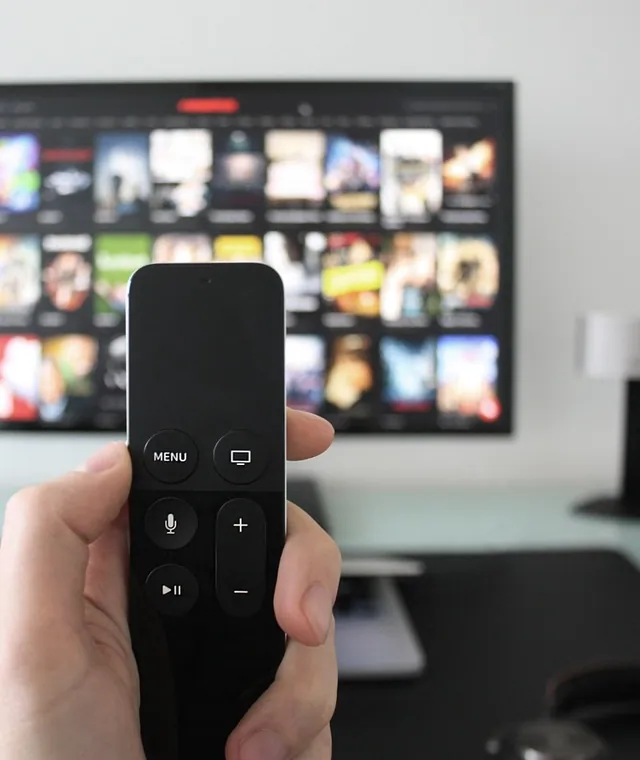
Apple TV 4K is fast and stable, and the remote is good for zapping. The trade-off is choice: tvOS has fewer IPTV players than Android, and most of the good ones cost a few euro. All of them accept an M3U link or an Xtream login.
IPTV on an Android box
An Android box is a small computer, and the chip decides everything. Certified Android TV boxes with a recent chip play 4K smoothly. The cheapest uncertified boxes play 1080p in quiet scenes and stutter in anything fast, like hockey.
Pick a box with an Ethernet port and plug it in. A cable fixes more buffering than any setting.
Connection: Wi-Fi or cable
| Quality | Minimum | Recommended | Typical setup |
|---|---|---|---|
| SD 480p | 3 Mbit/s | 5 Mbit/s | Phone on 4G |
| HD 720p | 5 Mbit/s | 8 Mbit/s | Phone on 5G |
| Full HD 1080p | 8 Mbit/s | 15 Mbit/s | Smart TV |
| 4K UHD | 20 Mbit/s | 30+ Mbit/s | Fibre and a 4K TV |
Four streams at the same time need at least 50 Mbit/s. If your line is slower than the table says, the stream will drop in quality or stop, whatever the plan.
Questions and answers
What is the best device for IPTV?
For most homes, an Android TV or Google TV device, or a Fire TV Stick 4K, running TiviMate. They are fast, cheap and run every major player.
Does IPTV work on a Smart TV without a box?
Usually, on recent Samsung and LG models, through an app from the TV's own store. Older models may have no suitable app.
Does IPTV work on a Firestick?
Yes. Install the player from the Amazon Appstore or with Downloader, then log in. The basic and Lite models play Full HD; 4K needs a 4K model.
Can I use the same login on several devices?
Yes, but how many play at the same time depends on the plan: one screen on most plans, four on twelve months.

Spend 3 € before you spend 80 €.
The test runs for 48 hours on one screen and stops by itself. Put it over a weekend with a match on, so you test the service at its busiest.