
Blog
Nordic TV in Spain: a practical guide
Watching Swedish, Norwegian, Danish and Finnish TV from Spain: time zones, fibre and holiday-flat Wi-Fi, catch-up for the evening news, and what to bring.
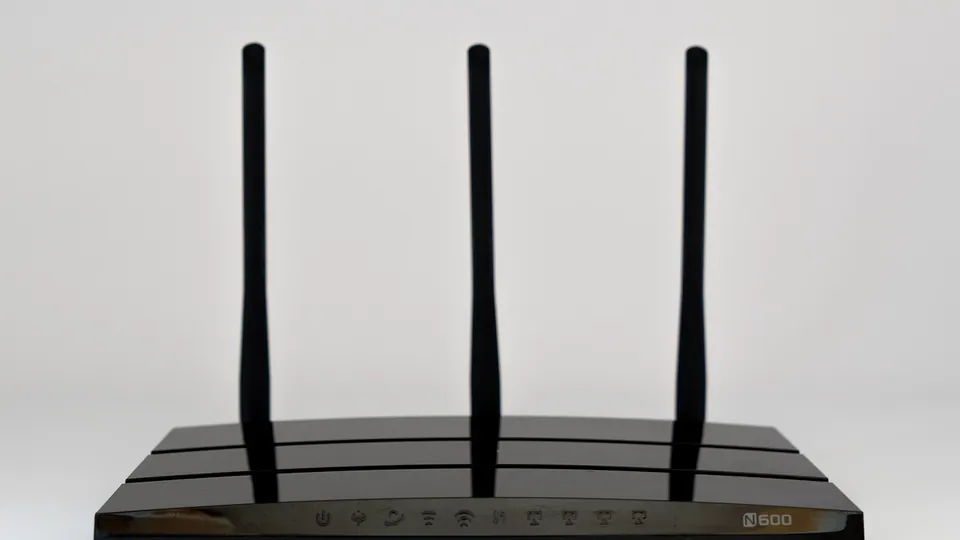
A frozen picture in the middle of a match is the most common IPTV complaint. It almost always has one of a handful of causes, and three quick tests tell you which.
Most freezing comes from Wi-Fi or from a device too weak to decode the stream, not from the service. Play the same channel on mobile data and on another device: if either plays smoothly, the problem is at home and is fixable. If every device freezes at the same moment, tell the provider.
| Cause | Typical sign | Fix |
|---|---|---|
| Weak Wi-Fi | Freezes on every channel, worse in the evening | A cable, or move the router closer |
| 2.4 GHz instead of 5 GHz | Slow but steady, stutters when the house is busy | Connect the device to the 5 GHz network |
| Device too weak | Freezes only in 4K and fast sport | Watch in HD, or use a faster device |
| Evening congestion at your ISP | Smooth by day, stutters between 19 and 23 | Test on mobile data at the same time; contact the ISP |
| Player buffer too small | Short, frequent stops | Raise the buffer size in the player settings |
| Another screen in use | Stops when someone else starts watching | Check how many screens your plan includes |
| One channel has a problem | One channel stops, the others play | Report the channel and time in the chat |
| An outdated app | Started without anything else changing | Update the player or clear its cache |
The TV is often the device furthest from the router, behind walls, competing with every phone in the house. Wi-Fi speed falls quickly with distance, and the 5 GHz band that gives the most speed copes worst with walls.
A cable between the router and the TV device solves it outright. Where a cable is impossible, a mesh system or a powerline adapter is the next best thing.
It looks like a network problem but is not: the device cannot decode the picture fast enough and drops frames. Fast sport in 4K at 50 frames per second is the hardest test there is. Cheap uncertified Android boxes and older Smart TVs are the usual suspects.
A quick check: if a channel stutters in 4K and plays smoothly in HD on the same connection, the device is struggling, not the line.
The buffer is the few seconds of video the app holds before showing them. A larger buffer rides out short dips in the connection; the price is a longer delay behind the live broadcast. In TiviMate and most other players, the buffer size sits in the playback settings.
If your connection drops below 8 Mbit/s in the evening, Full HD will stutter whatever you change on the device. The honest options are a lower quality, a cable, or a faster broadband plan.
Evenings are when the whole neighbourhood is online. If your broadband slows down between roughly 19 and 23, IPTV is usually the first place you notice it.
Yes. A cable gives the device a stable connection that does not fall with distance, walls or the neighbours' networks. It is the single most effective fix for freezing.
Play the same channel in HD and in 4K. If HD is smooth and 4K stutters, the device is the bottleneck, not the connection.
Rarely. A VPN sends the stream on a detour and usually makes buffering worse rather than better.
Watching Swedish, Norwegian, Danish and Finnish TV from Spain: time zones, fibre and holiday-flat Wi-Fi, catch-up for the evening news, and what to bring.

IPTV explained without jargon: how live TV travels over the internet, what you need at home, and where it beats or loses to aerial, cable and satellite.

What an M3U playlist is, what an Xtream Codes login is, which to use in which app, and how to fix the error messages that stop a login from working.

The test runs for 48 hours on one screen and stops by itself. Put it over a weekend with a match on, so you test the service at its busiest.